What you'll learn
DTP Course – Course Description
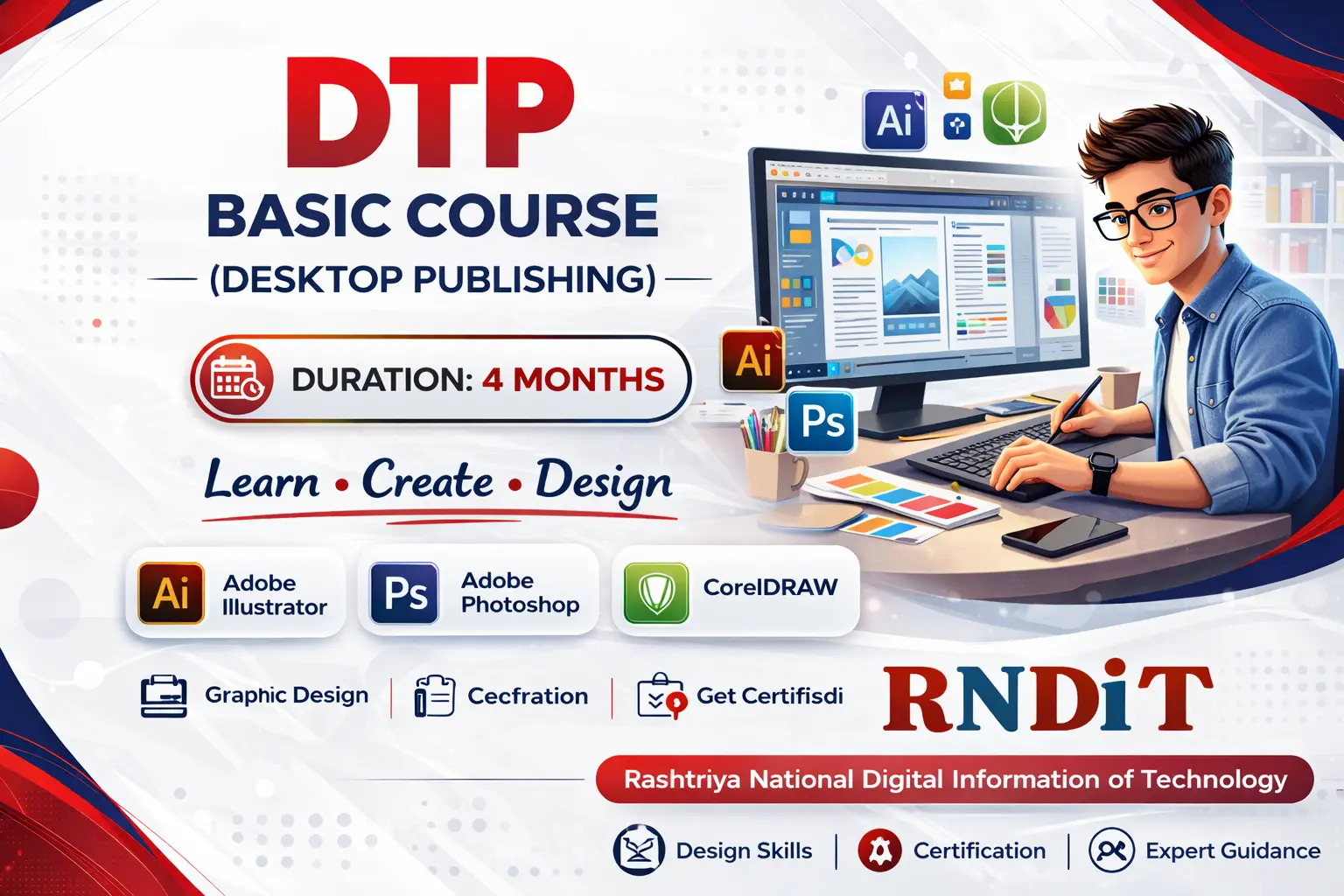
DTP (Desktop Publishing) Course ek skill-based aur job-oriented training hai jisme students ko PageMaker aur CorelDRAW jaise professional designing software ka practical knowledge diya jata hai. Is 6 months ke course me students brochures, flyers, posters, banners aur print layouts industry standard ke according design karna seekhte hain.
Aaj ke time me printing press, advertising agency, newspaper, office aur design studio me DTP operators ki hamesha demand rehti hai. Yeh course un students ke liye perfect hai jo short time me practical skill seekhkar job ya self-employment start karna chahte hain.
Course ke dauran typography, layout design aur color management par special focus diya jata hai, taaki student professional aur print-ready designs bana sake.
Is Course Ko Karne Ke Fayde (Benefits)
- ✅ PageMaker & CorelDRAW par strong command
- ✅ Brochure, flyer, poster & banner design skill
- ✅ Typography & layout designing ka practical knowledge
- ✅ Printing & publishing field ke liye job ready
- ✅ Printing press ya design studio me kaam kar sakte hain
- ✅ Apna DTP / printing work start karne ka option
- ✅ Certificate ke saath skill-based career
Show More
Course Syllabus
DTP Course – Course Description
DTP (Desktop Publishing) Course ek skill-based aur job-oriented training hai jisme students ko PageMaker aur CorelDRAW jaise professional designing software ka practical knowledge diya jata hai. Is 6 months ke course me students brochures, flyers, posters, banners aur print layouts industry standard ke according design karna seekhte hain.
Aaj ke time me prin
Course Syllabus – DTP (Desktop Publishing)
Module 1: Introduction to DTP
- Introduction to Desktop Publishing
- DTP Career & Industry Overview
- Basics of Printing & Publishing
Module 2: Computer & Design Basics
- Computer Fundamentals
- File Management & Shortcuts
- Basics of Design Concepts
Module 3: PageMaker
- PageMaker Interface & Tools
- Page Setup & Layout Design
- Text Formatting & Paragraph Styles
- Image Import & Adjustment
- Book, Magazine & Newspaper Layout
- Print Setup & Output
Module 4: CorelDRAW
- CorelDRAW Interface & Tools
- Vector Graphics & Shapes
- Logo & Icon Design
- Brochure, Flyer & Poster Design
- Visiting Card & Banner Design
- Color Management & Effects
Module 5: Typography & Color Theory
- Fonts & Typography Rules
- Text Alignment & Spacing
- Color Theory & Color Combinations
- Print Color Modes (RGB / CMYK)
Module 6: Practical & Print Work
- Real-Time Design Practice
- Print-Ready File Preparation
- Final Proofing & Error Correction
- Mini Projects & Assignments
Module 7: Project & Certification
- Final Practical Project
- Portfolio Preparation
- Assessment & Certification
Course Outcome
- Professional DTP Operator banne ke liye ready
- Printing press, design studio & office work ke liye suitable
- Job + self-employment dono ke options

 Bestseller